
Your Instagram posts aren't showing up
There are four common causes, and they are worth checking in this order: the import has not been run (it is a button, not a schedule), the posts are still drafts, your Instagram account is Personal rather than Professional, or the connection has expired. The first two account for most of it.
1. You have not run the import#
Connecting Instagram does not pull your posts across. Importing is a separate step you trigger.
Go to Posts, open the Instagram dropdown and click Import latest. If the dropdown is not there, you are not connected. See cause 3.
This catches people out because most tools sync in the background. This one does not, and that is on purpose: you decide which posts belong on your page rather than having your whole feed mirrored automatically.
2. The posts are still drafts#
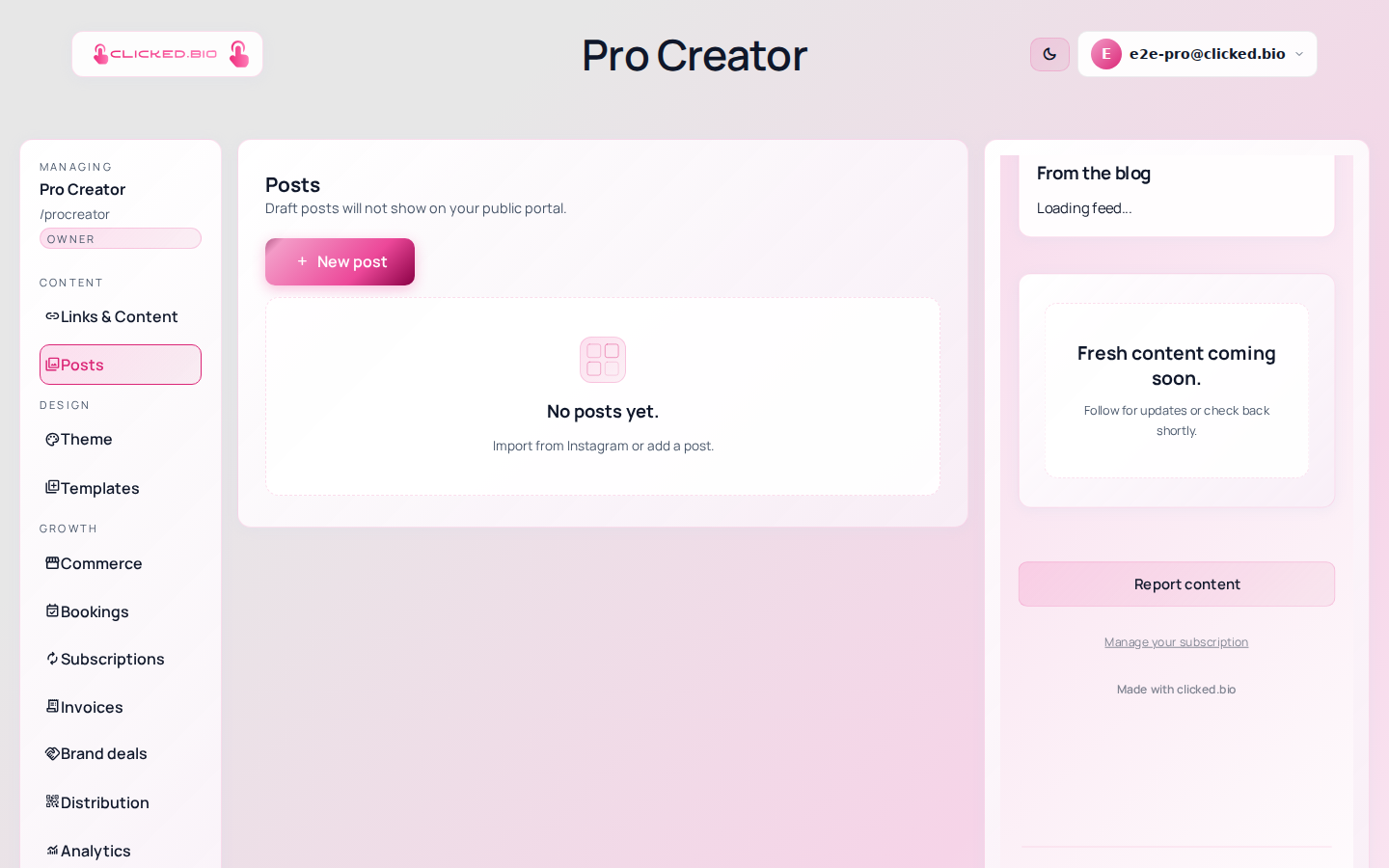
Imported posts arrive as drafts. Drafts do not appear on your public page. The editor tells you this above the grid: "Draft posts will not show on your public portal."
Open each post you want visible and publish it. If the grid under Posts has your posts in it but your public page does not, this is your answer.
3. Your Instagram account is Personal#
Instagram only lets Professional accounts connect to third-party tools, which means either Business or Creator. If yours is Personal, the connection either fails outright or comes back with an error.
Check in the Instagram app under Settings and privacy → Account type and tools. Switching is free and does not change how your profile appears to followers. Then connect again.
4. The connection has expired or been revoked#
Open Integrations and look at the pill next to Instagram.
- Connected Access is fine. Your problem is one of the first two causes.
- Token expired Instagram access lapses if the connection goes unused for around two months. Click Reconnect Instagram.
- Revoked — reconnect required Access was removed from Instagram's side. This happens if someone removed clicked.bio under Settings → Website permissions, or if Instagram invalidated the session after a password change. Reconnect.
- Action needed Something else went wrong. The message underneath the pill says what. Re-check status asks Instagram again, which clears it if the problem was temporary.
Still no posts after all four checks#
Two less common causes.
You connected a different account than you think. When you are already logged into Instagram in that browser, the connect flow uses that session without asking. The handle shown under the status pill is the account that is actually connected. If it is the wrong one, disconnect, log out of Instagram, and connect again.
The posts are older than the import reaches. Import latest takes the most recent batch. Use Import more to go further back.
If none of this fixes it#
Send us a message with your page address, the handle you connected, and what the status pill says. That is enough for us to look at the connection from our side without asking you three follow-up questions first.