

Scheduling
Publish on time, without being there
Give a link a start time and it stays hidden until then. Give it an end time and it disappears afterwards. Drops, sales and event links stop depending on you being conscious at the right moment.
On every plan, including Free.
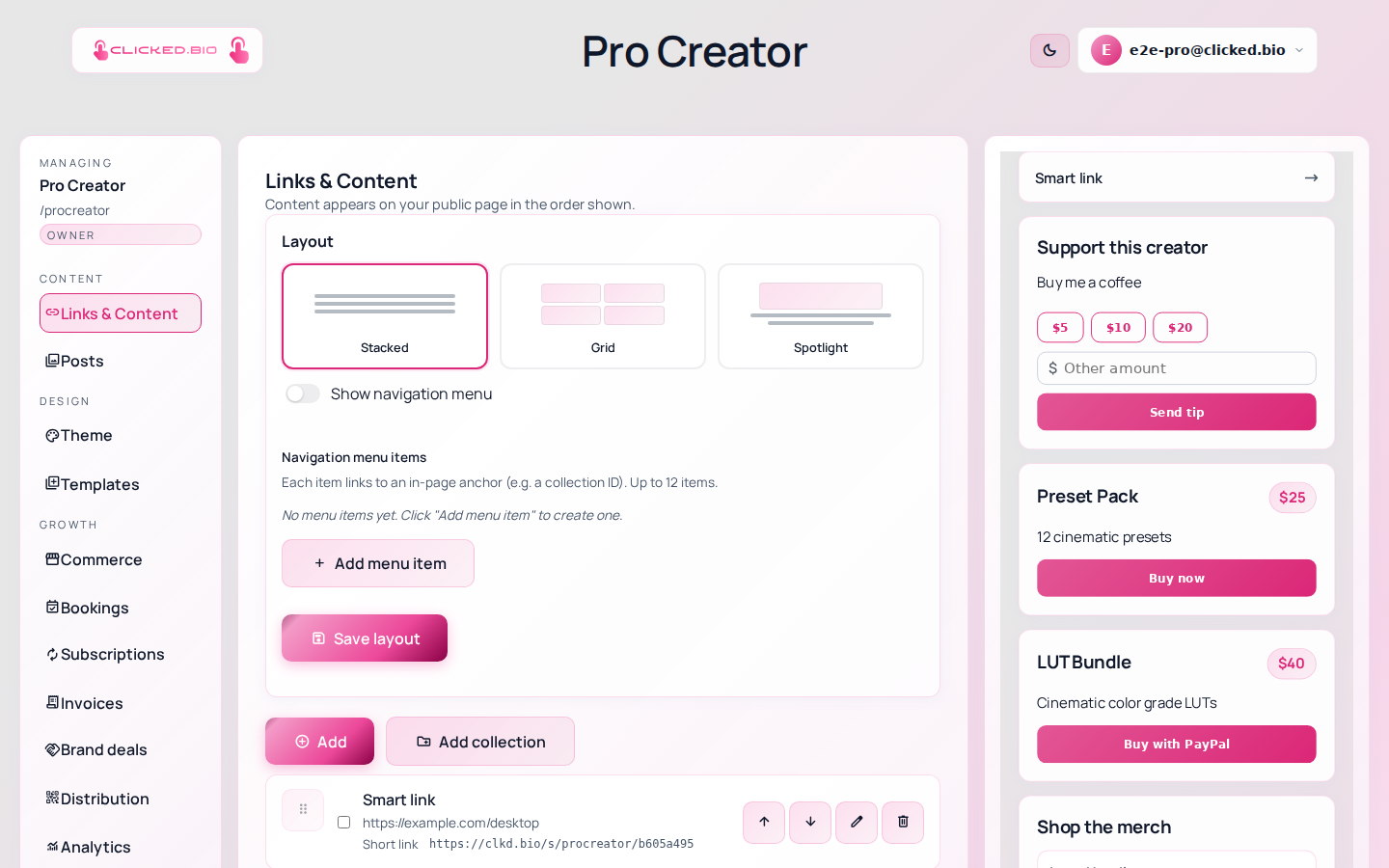
Schedule the link, count down to it
Scheduling and countdowns are usually used together. The countdown builds anticipation while the link is still hidden; the schedule reveals it at the moment the countdown hits zero. Neither needs you to press anything.
- Start time per link
- End time, so it retires itself
- Times in your own timezone
- Works for posts as well as links
- Pairs with discount codes for a window
On every plan. See pricing.
Common questions
A scheduled link is not showing.
If it has a start date in the future it stays hidden — that is the feature working. Check the date and your timezone.
What happens at the end time?
The link stops rendering. It is not deleted, so you can reuse it next time.