
Build a media kit brands will actually read
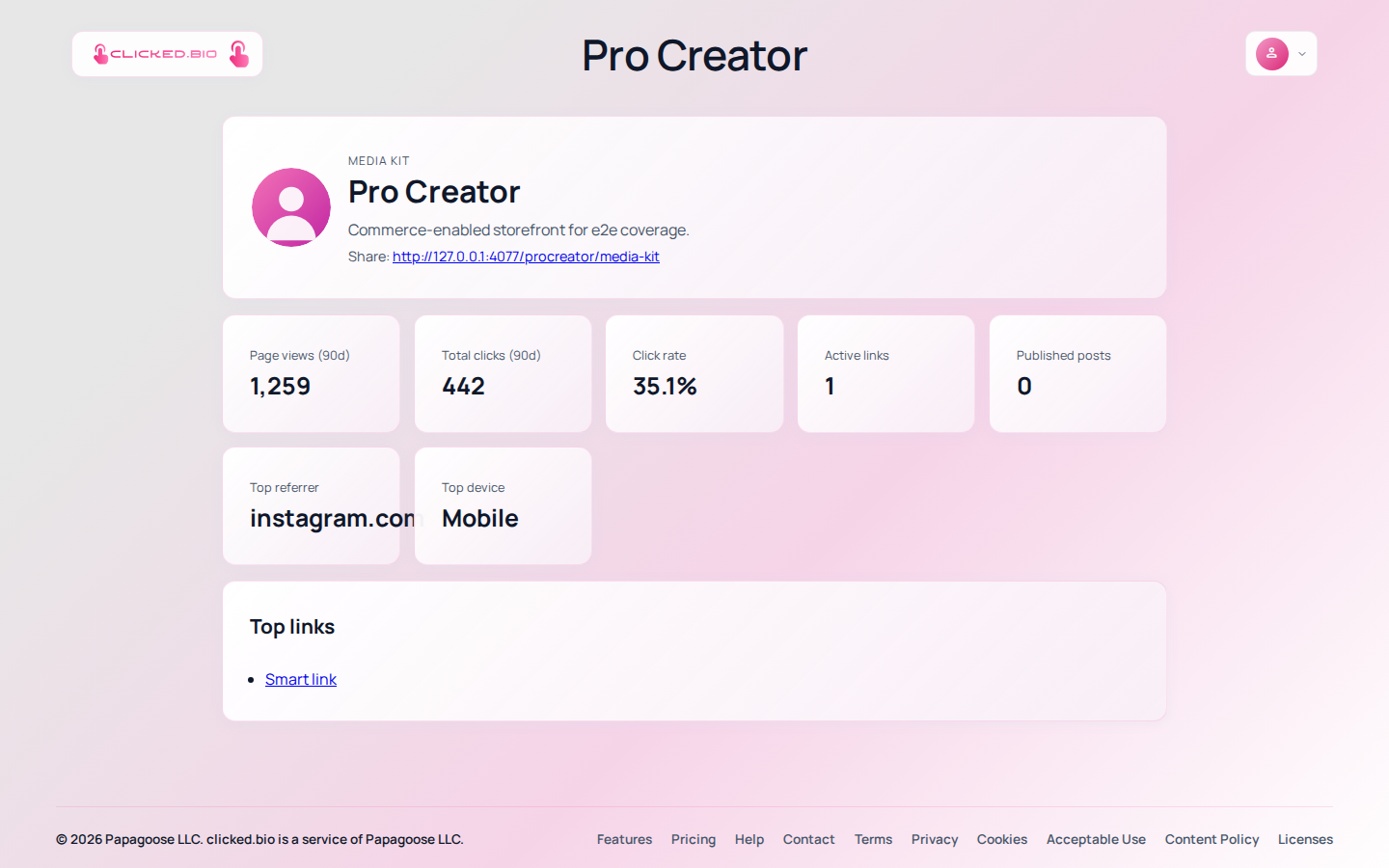
A media kit is one page that answers what a brand asks before they pay you: who is your audience, how many of them are there, what have you done before, and what does working with you cost. clicked.bio gives you two pages for it — a media kit at /yourname/media-kit with live stats pulled from your actual traffic, and a press kit at /yourname/press-kit with your bios and downloadable assets.
The problem with a PDF#
Most creator media kits are a PDF made in Canva. Three things go wrong with them. The numbers are out of date the week after you export it. Nobody can tell whether you typed them or measured them. And it arrives as an attachment, which is one more thing between a brand manager and a decision.
A link fixes all three. The numbers update themselves, they come from measured traffic rather than a text box, and it opens in one tap.
What to put in it#
- Who your audience is. Countries and devices come from your own analytics. This matters more than raw follower count to anyone selling a physical product.
- What your traffic actually does. Click-through rate is the number that separates a real audience from a bought one, and it is the one brands have learned to ask for.
- Two bios. A short one someone can paste into a feature, and a longer one for a proper introduction. Write both; you will be asked for both.
- Assets they can use. Your logo, a headshot, brand colors. Every time a brand has to email you for a photo, your campaign slips a day.
- Your rates. More on this below.
What to leave out: mood boards, a manifesto, and anything you cannot back up. A media kit is a document someone skims in ninety seconds to decide whether to reply.
Build the press kit#
-
Open Press kit
It is in the editor's panel list, under GROWTH. Tick Enable public press kit.
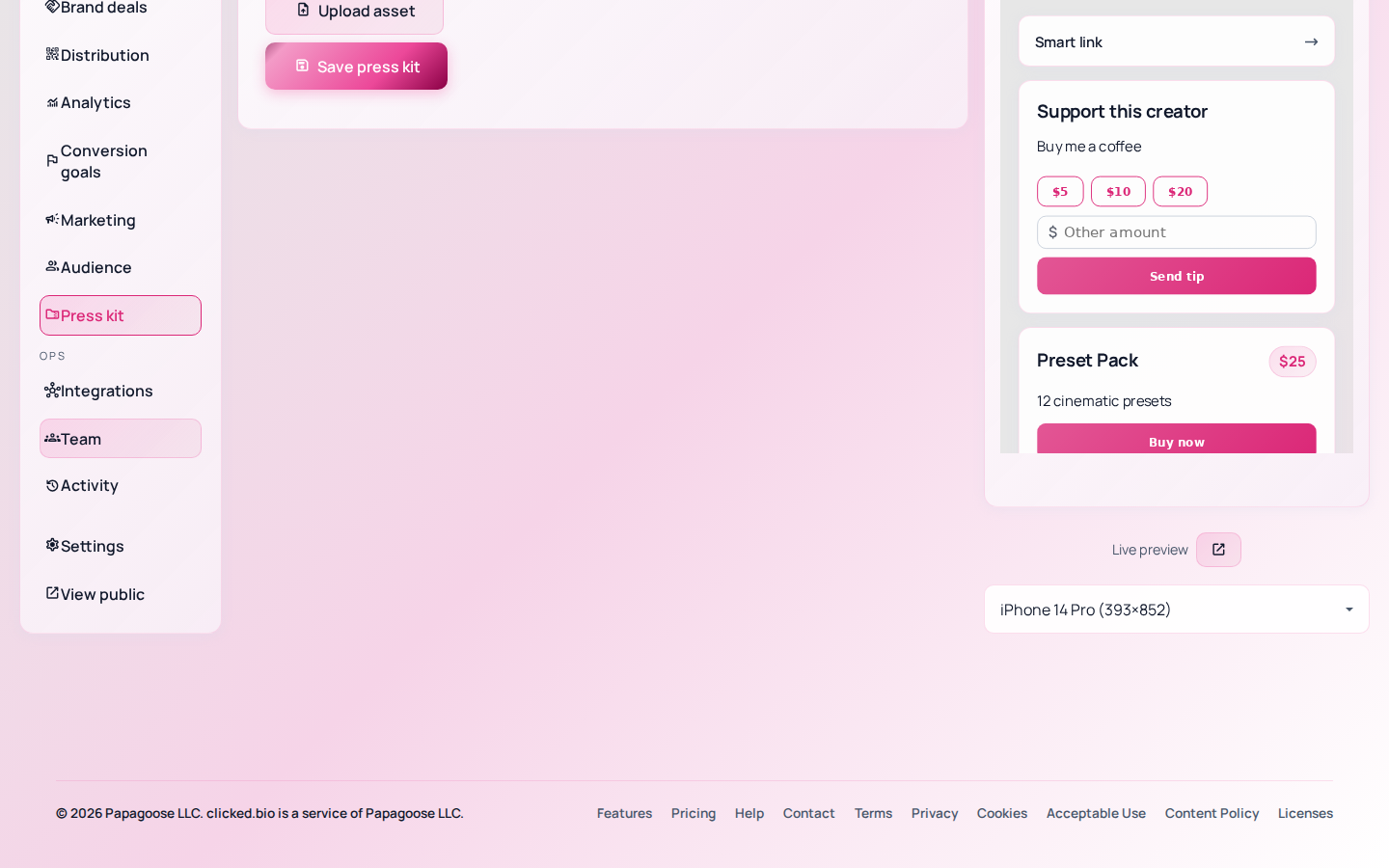
Press kit bios and downloadable assets. -
Write the short bio
One or two sentences, third person, ready to drop into a feature without editing. This is the one that gets used.
-
Write the long bio
A paragraph. What you make, who it is for, and one thing that is specific to you.
-
Upload your assets
Logo, headshot, anything a brand would otherwise have to ask for. Upload the highest resolution you have.
-
Open View page
Check it as a stranger would, on a phone.
Add your rates#
The rate card lives under Distribution and downloads as a PDF, so you can attach it to an email as well as link it.
Publishing rates filters out the conversations that were never going to end in a payment, which is worth more than the leverage you think you are losing by not naming a number first.
How to send your media kit to a brand#
Link it, do not attach it. Put the media kit link in your bio page and in your email signature. Anyone who wants it will find it without asking, which is one fewer email in a negotiation.
When a deal starts moving, track it under Brand deals, and raise the invoice from the same place when the work is done.
If something is not working#
- The media kit page shows very little The stats come from your own traffic. A page that has been live a week has almost nothing to show. Give it a month before you send it anywhere.
- The press kit page is not there Enable public press kit is not ticked, or it was not saved.
- The panel asks you to upgrade The brand-deal tools and the media kit start at Pro. See pricing.