
Custom domain
Your name on it, not ours
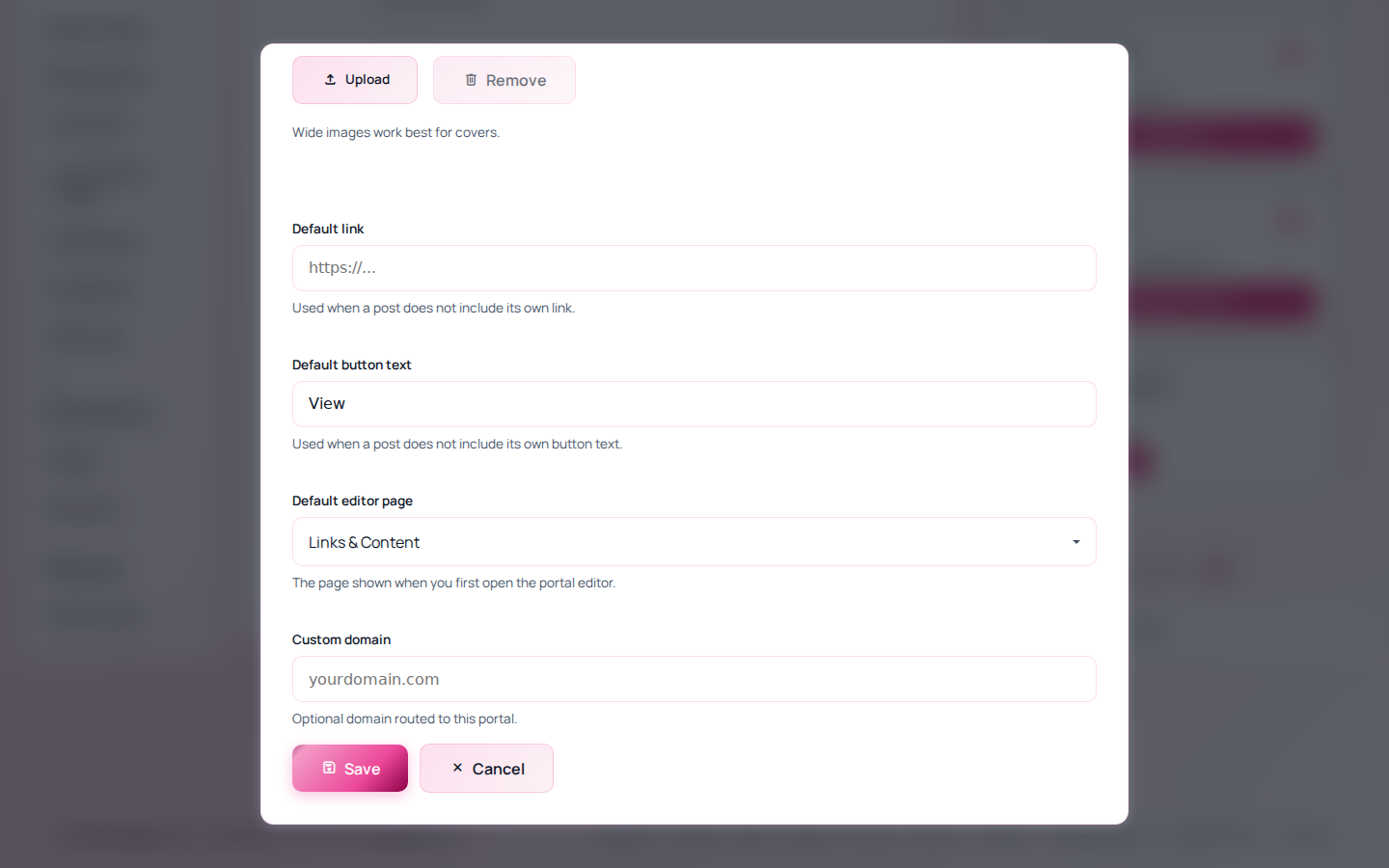
Point links.yourname.com at your page. We verify it with one TXT record, keep checking until DNS catches up, then issue and renew the HTTPS certificate without you thinking about it again.
Starter and above.
Why it is worth the twenty minutes
A branded address is the difference between looking like a creator with a business and looking like a creator using a tool. It is also the only version of your link that survives you changing platforms — if the domain is yours, moving means repointing DNS rather than reprinting everything.
Search treats it as your site too, so the pages accumulate authority under your own name instead of ours.
How setup goes
-
Enter the domain
A subdomain like
links.yourname.comis the usual choice, and leaves your main site alone. -
Add one TXT record
We give you the exact name and value. Copy and paste rather than typing it.
-
We keep checking
No button to keep pressing. Most providers publish within an hour; a few take a day.
-
HTTPS appears
The certificate is issued and renewed for you. Nothing to buy or install.
Once it is live, share links, QR codes and your sitemap all use your domain, which is the whole point.
- Automatic certificate issue and renewal
- Verification retried on its own, with email updates
- Your clicked.bio address keeps working
- Sitemap and share URLs switch to your domain
- Remove it any time and revert instantly
- Separate from your email sending domain
Custom domains and SSL start on Starter. See pricing.
Common questions
Do you sell domains?
No. Buy it wherever you like (Cloudflare, Namecheap, GoDaddy) and point it here.
Can I use my root domain instead of a subdomain?
Yes, if nothing else is on it. Most people keep the root for their main site and use a subdomain for the link page.
Verification has been pending for hours.
Check the record with any DNS lookup tool. If it does not resolve there, it is not published yet, and nothing on our side changes that. Some control panels append your domain to the record name automatically, which is the usual culprit.
What happens if I remove it?
The page reverts to its clicked.bio address immediately. Anyone holding a link on the old domain gets nothing, so update your bio link first.