

Sending domain
Email that arrives, from your own name
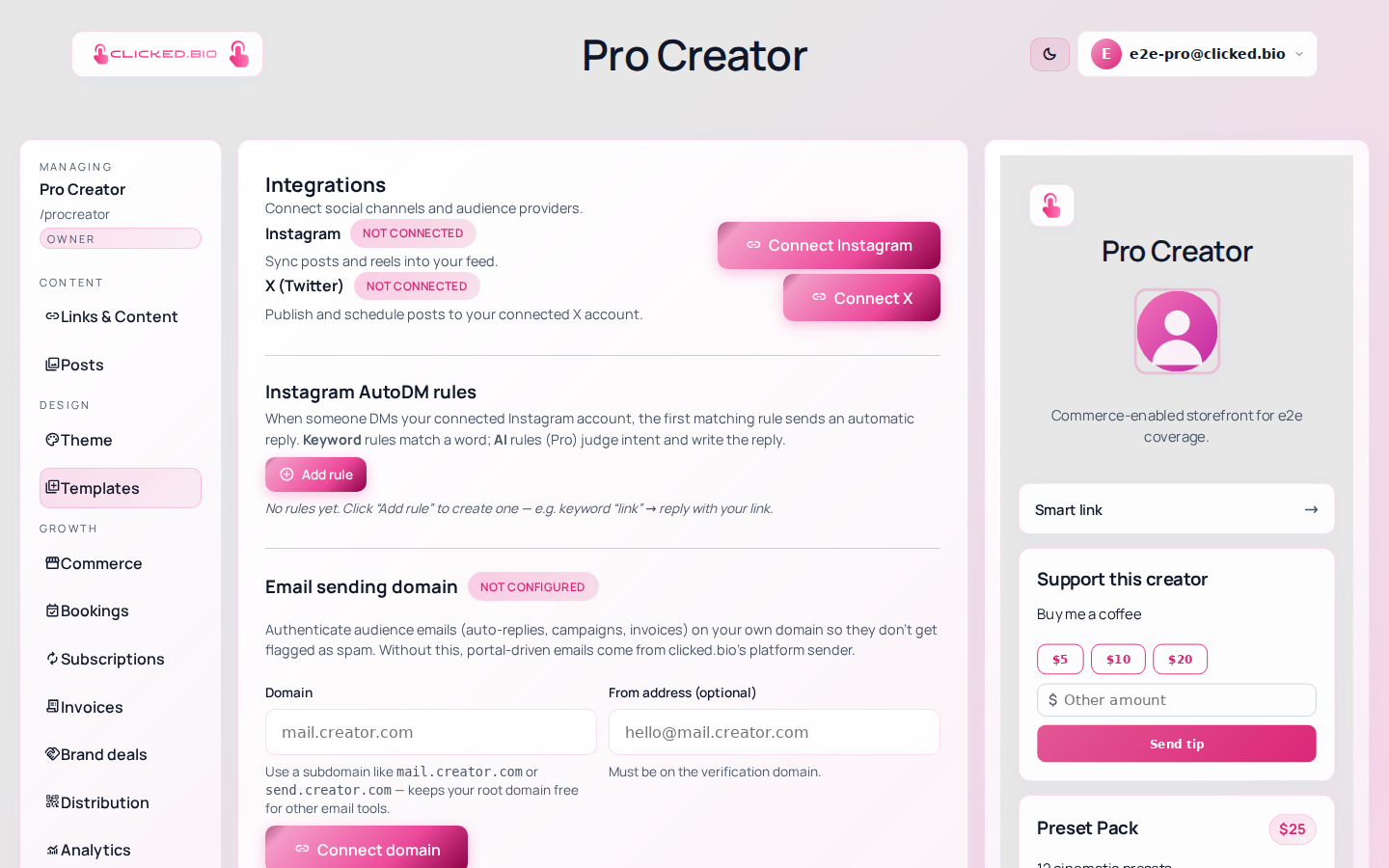
Until you verify a domain, portal email goes out from clicked.bio's shared sender — which works, and lands in fewer inboxes than it should. Adding a few DNS records puts your own authenticated domain on every campaign, auto-reply and invoice.
Use a subdomain, not your root
Send from something like mail.yourname.com rather than your root domain. It keeps your main domain's reputation separate from bulk sending, and it leaves the root free for whatever other email tooling you use. It is also easier to unpick later if you change platforms.
Enter the domain
A subdomain you control.
Add the CNAME records
We show the exact values, with copy buttons.
We verify automatically
DNS takes minutes to hours. Nothing to keep clicking.
Set your from address
It has to be on the verified domain.
- DKIM authentication
- Automatic re-checking until it verifies
- Applies to campaigns, auto-replies and invoices
- Separate from your page domain
- Removable at any time
Available on paid plans. See pricing.
Common questions
Do I have to do this?
No. Email works without it. Deliverability is meaningfully better with it, especially to Gmail and Outlook.
Will it affect my existing email?
Not if you use a subdomain, which is why that is the recommendation.