

Social publishing
Queue posts alongside your page
Connect X and queue or schedule posts from the editor, with delivery status reported back so you know what actually went out. It keeps the promotion next to the thing being promoted.
Starter and above.
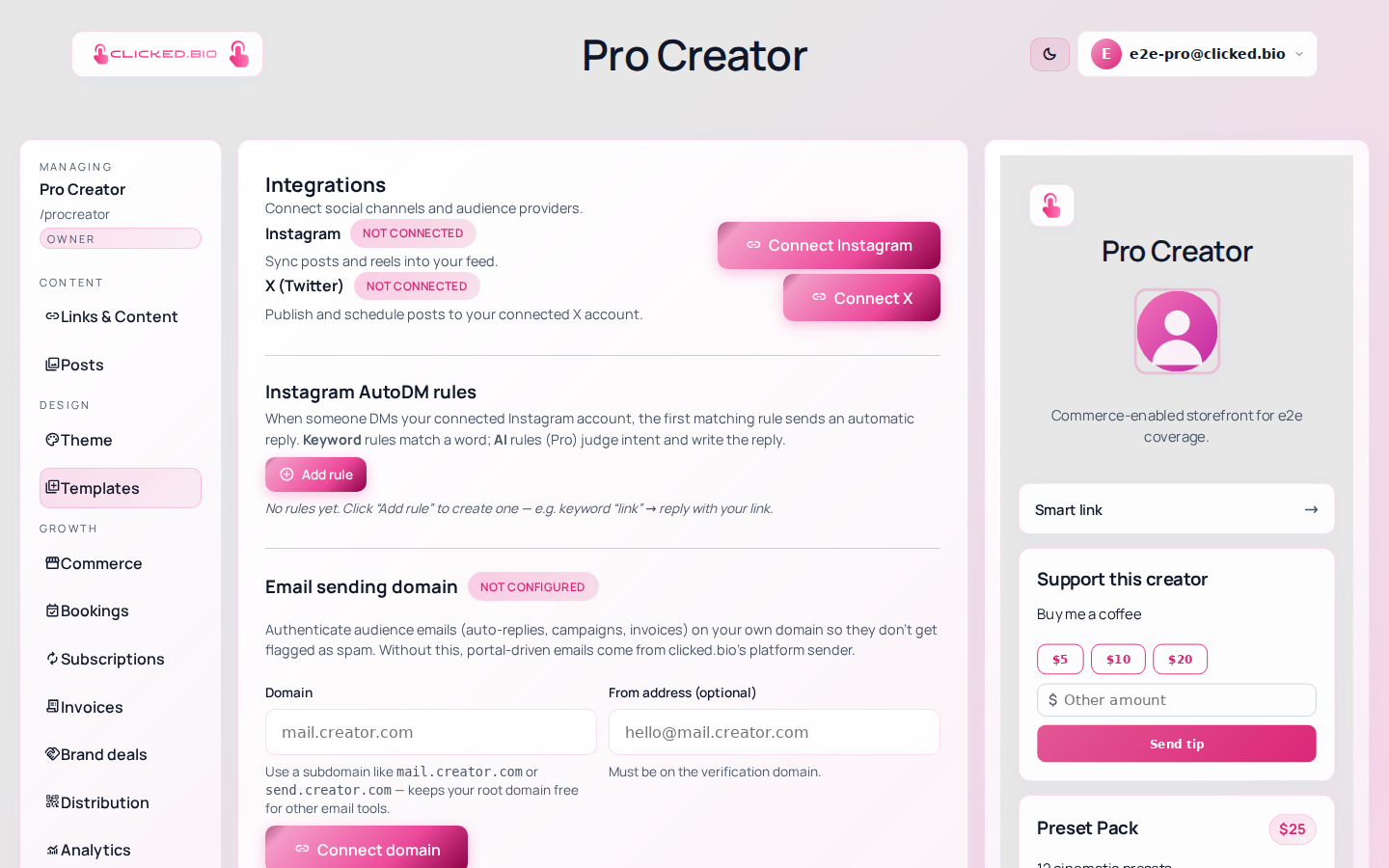
Be straight about scope: this is not a full social scheduler. It publishes to X, and to Instagram where the permission allows it. If you need a content calendar across six networks with an approval queue and a media library, use a dedicated tool — this covers the case where you are already in the editor and want the post to go out with the link.
- Queue or schedule a post
- Delivery status synced from the provider
- Connect and disconnect from Integrations
- Sits with your campaign tags
Social post scheduling starts at Starter. See pricing.
Common questions
Which networks are supported?
X today, plus Instagram publishing where the connection permits it. Others are not built.
What if a post fails?
The job shows the provider's failure status rather than silently disappearing.