
Instagram feed
Your feed, on a page you own
Import your Instagram posts into clicked.bio and they render as a feed your followers already know how to read. The difference is that every post can carry a link, the page is indexable by Google, and none of it disappears if your account does.
Business or Creator account required — Instagram's rule.
Why put your feed somewhere else at all
Your Instagram profile is a good shop window and a bad shop. Nothing on it is clickable, nothing is searchable from outside the app, and the whole thing sits behind someone else's login and someone else's moderation queue.
A page you control fixes all three. Posts become clickable, the page is crawled like any other website, and the content survives an account restriction because the copy lives with us, not with Instagram.
What comes across
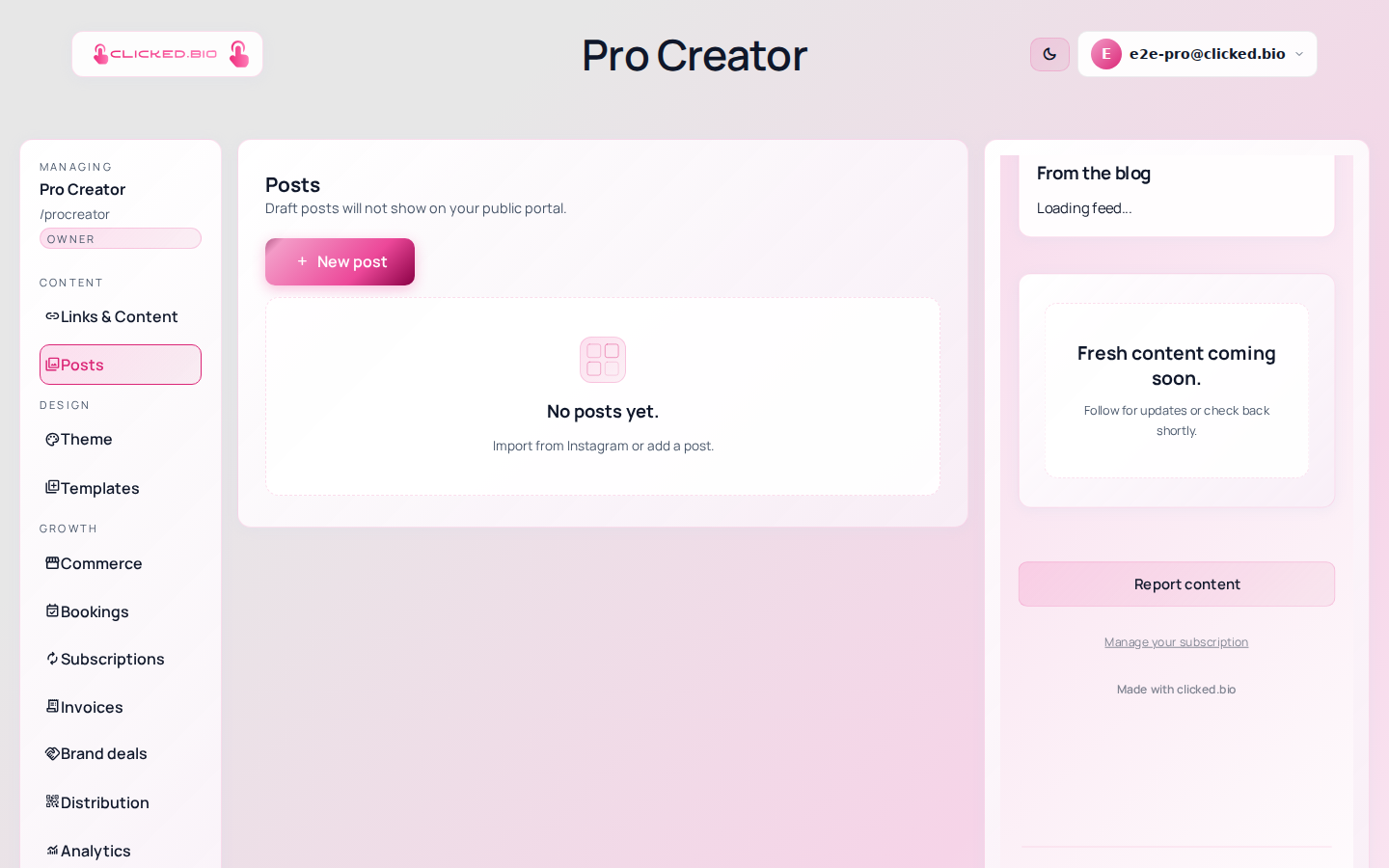
- Photos, carousels and reels
- The caption, editable once it is yours
- The post date, used for ordering
- A destination link you set per post
- A button label you write per post
- Draft status, until you publish it
Imports arrive as drafts on purpose. A feed mirror shows everything; a good page shows the twelve posts worth clicking.
Import is a button, not a background sync
Import latest pulls your most recent batch; Import more reaches further back. Nothing runs on a schedule behind your back.
That surprises people used to tools that mirror a feed automatically, and it is the right default. Automatic mirroring means your page fills with stories, reposts and the photo of your lunch. Pressing a button means your page is curated.
Connecting, and what we ask for
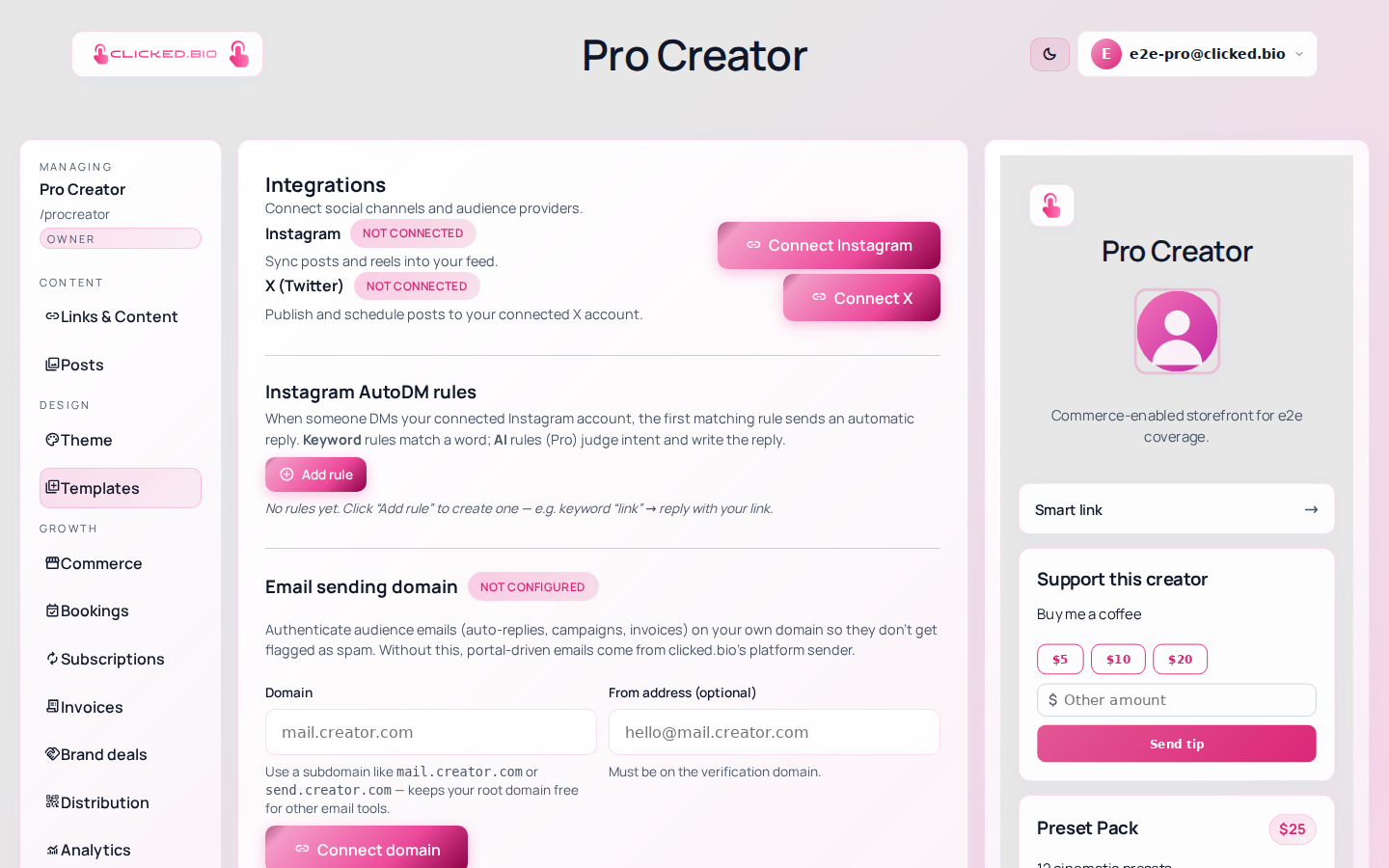
Instagram grants permissions once, at connect time, so the list you approve is the whole list. We ask to read your profile and posts (that is what makes the feed work), to read and send DMs (that is what keyword auto-replies run on, and nothing is sent unless you write a rule), and to publish a post from clicked.bio if you want to. We cannot change anything on your account beyond what you set up in the editor.
Included on every plan. See pricing.
Common questions
My posts aren't showing up.
Four causes, in order of likelihood: the import has not been run, the posts are still drafts, your account is Personal rather than Professional, or the connection expired. The troubleshooting article works through each.
Does the connection expire?
Instagram access lapses if it goes unused for around two months. The Integrations panel shows the status and a Reconnect button. Nothing is lost when it happens.
What happens if I disconnect?
Future imports and auto-replies stop. Posts you already imported stay on your page — that content is yours now.
Can I edit an imported caption?
Yes. Once a post is on your page it is a normal post you can rewrite, retitle and relink.