

Put a different link on every Instagram post
Instagram gives you one link in your bio and no way to attach a link to an individual post. The way round it is a page that mirrors your feed: your posts appear as a grid, each one carries its own destination, and a follower taps the post they remember rather than hunting through a list of links. On clicked.bio that setting lives on each post, under Posts.
Why "link in bio" stops working#
The usual approach is a list of links and a caption that says "link in bio". It works when you have three links. It breaks when you post daily, because your Tuesday post and your Friday post both point at the same list, and the follower has to remember which item was which.
What they actually remember is the picture. Give them the picture and the link together and the guessing goes away.
Give each Instagram post its own link#
-
Connect Instagram and import
Go to Integrations, click Connect Instagram, then go to Posts and choose Import latest from the Instagram dropdown. Connecting Instagram covers this in full, including the account type you need.
-
Open a post
Imported posts arrive as drafts and appear in the grid under Posts. Click one to edit it.
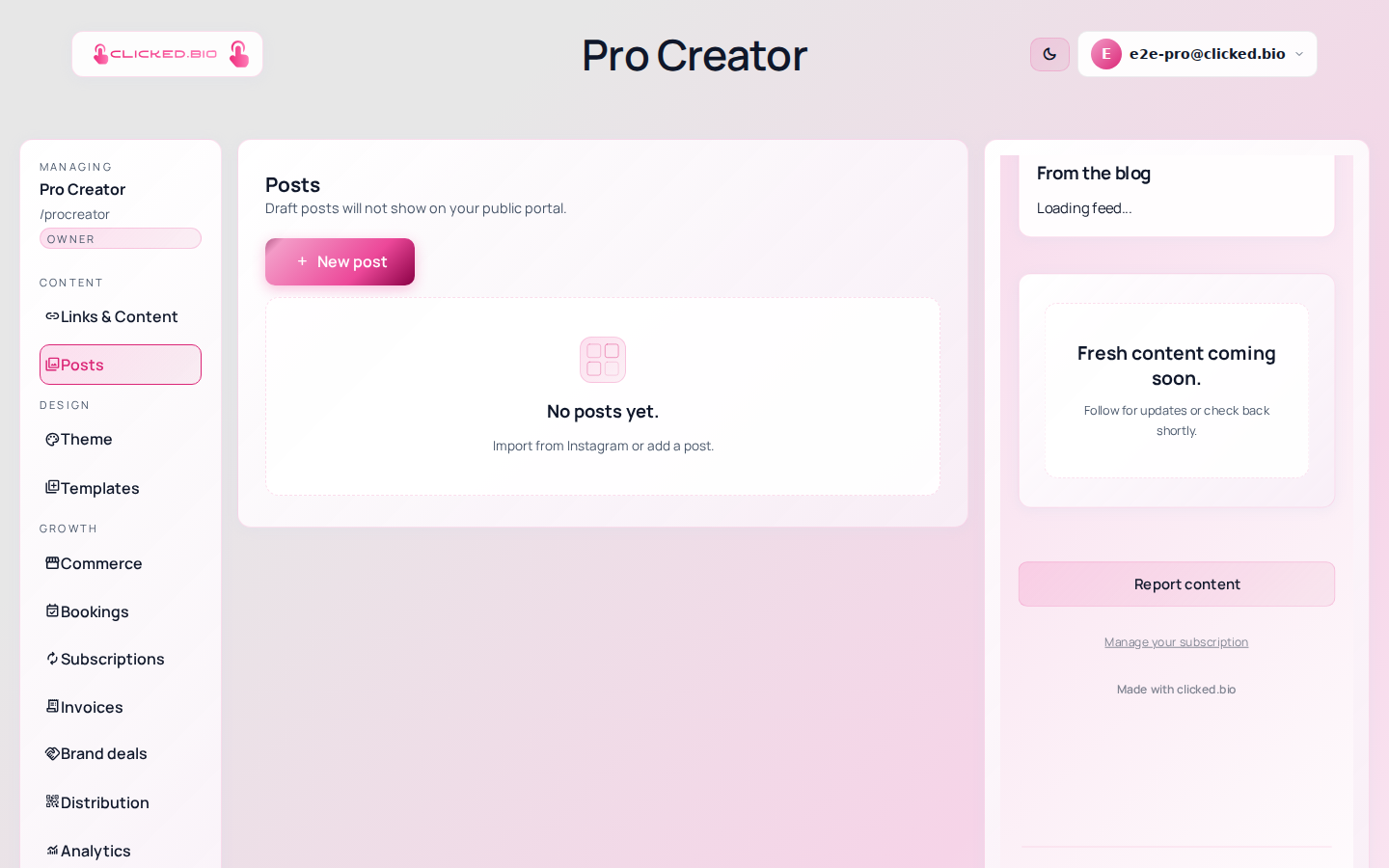
Imported posts, each one waiting for a destination. -
Give it a destination and a button label
Paste the URL this post should send people to. The button label is what visitors read, so make it specific: "Shop the jacket", not "Learn more".
-
Publish the post
Drafts stay hidden. Publish the ones you want on the page and leave the rest as drafts.
-
Set a fallback
In Settings there is a Default link and a Default button text. These are used for any post you have not given its own link. Point it at your main offer so no post is a dead end.
What visitors see#
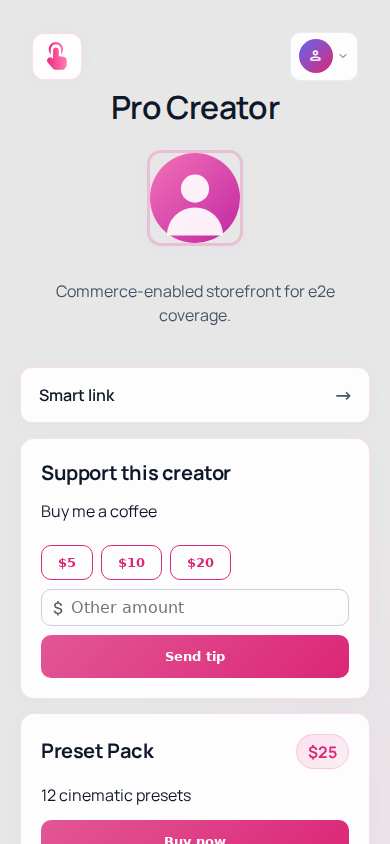
Your posts render as a feed on your page, in the layout they already understand from Instagram. Tapping one goes where you sent it.
Sending people straight to one post#
Every published post has its own address, in the form clicked.bio/yourname/posts/…. That is useful in a Story, where you can link directly to the post you are talking about rather than to the whole page.
Getting the credit for the click#
Two things worth doing once this is running.
Add UTM tags to destinations you care about, so the traffic shows up as yours in whatever analytics the destination uses. Otherwise a shop just sees "referral" and nobody gets the credit.
Then check Analytics to see which posts actually drove clicks. It is usually not the ones you expected. Reading your analytics walks through it.
If something is not working#
- A post shows the wrong link It is probably falling back to Default link in Settings because it has no link of its own. Set one on the post.
- New posts do not appear by themselves Import is something you run, not something that happens on a schedule. Use Import latest after you post.
- Only some posts imported Import latest takes the most recent batch. Import more reaches further back.