
Invoicing
Invoice a brand, get paid on your page
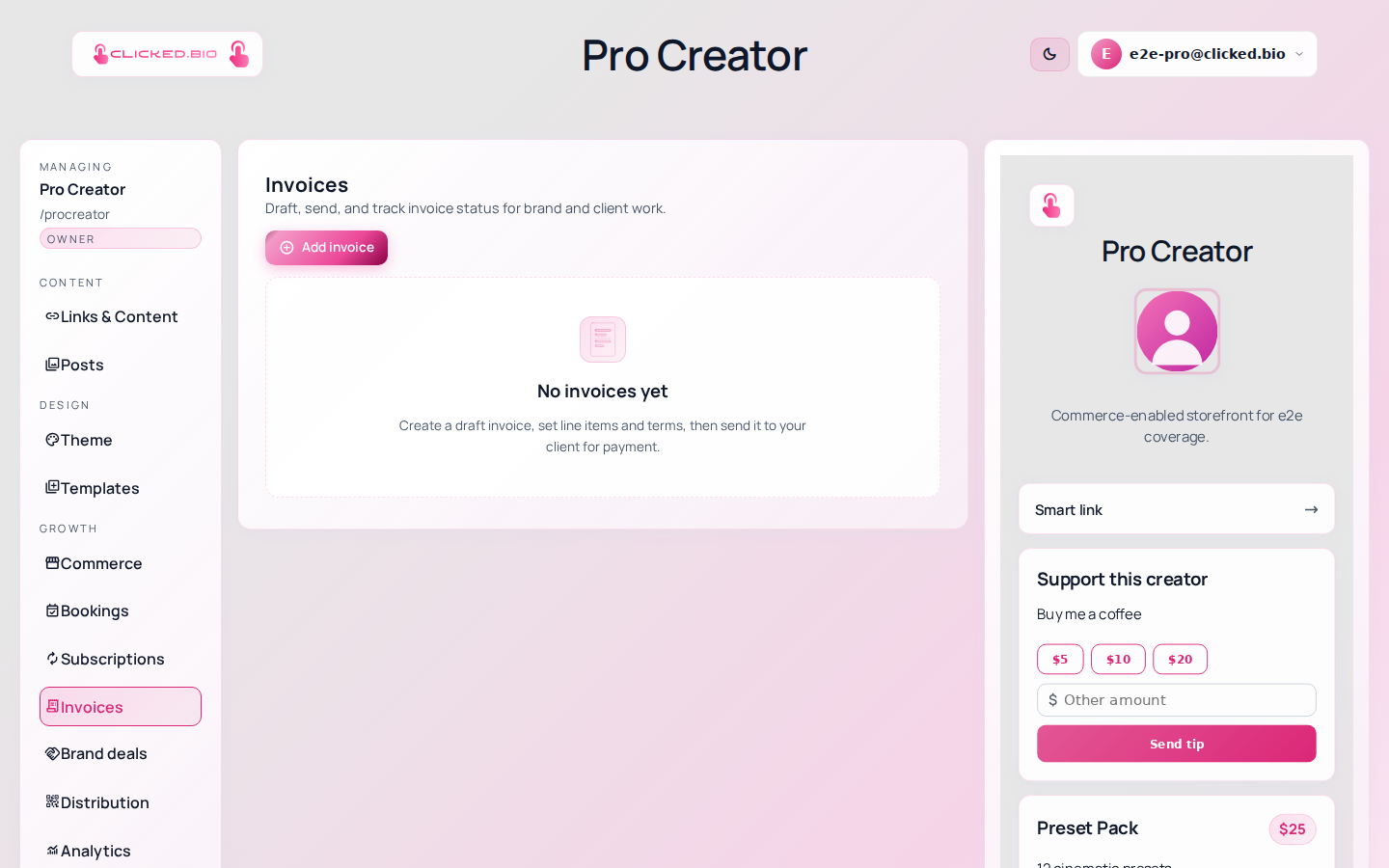
Raise the invoice, email the client a link, and they pay by card on your clicked.bio page. No account for them to create, no PDF to chase, no redirect to a payment domain nobody in their finance team recognises.
Pro and above.
Why the redirect matters here more than anywhere
Creator invoices often get forwarded to someone in finance who has never heard of you. An unexpected redirect to an unfamiliar checkout is exactly where that person stops and asks a colleague, and a two-minute payment becomes a two-week one. A page with your name on it and a card form underneath does not raise the question.
- Draft, sent, paid and void statuses
- Status moves to paid automatically
- Signed pay links that expire
- Raise an invoice from a brand deal
- PDF for the client's records
- Sends from your own domain
Write what the client is paying for, not "Invoice 3". The person approving it may have no idea who you are.
Invoicing starts at Pro. See pricing.
Common questions
Are there automatic payment reminders?
Not yet. Watch the sent list and follow up. Re-sending the same link is usually all it takes.
Can someone forward the pay link around?
Links are signed and expire. A copied or edited link shows nothing and offers no payment form.
Can I invoice in another currency?
Currency follows your Stripe account's configuration.