
Content blocks
Twenty block types, no tier locks
A link is one kind of block. You can also drop in a tip jar, a product, a countdown, an FAQ, a video, an embedded newsletter or a music smart link. They all sit in one list you reorder freely. Every block type is on every plan, including Free.
The groups, and when you reach for each
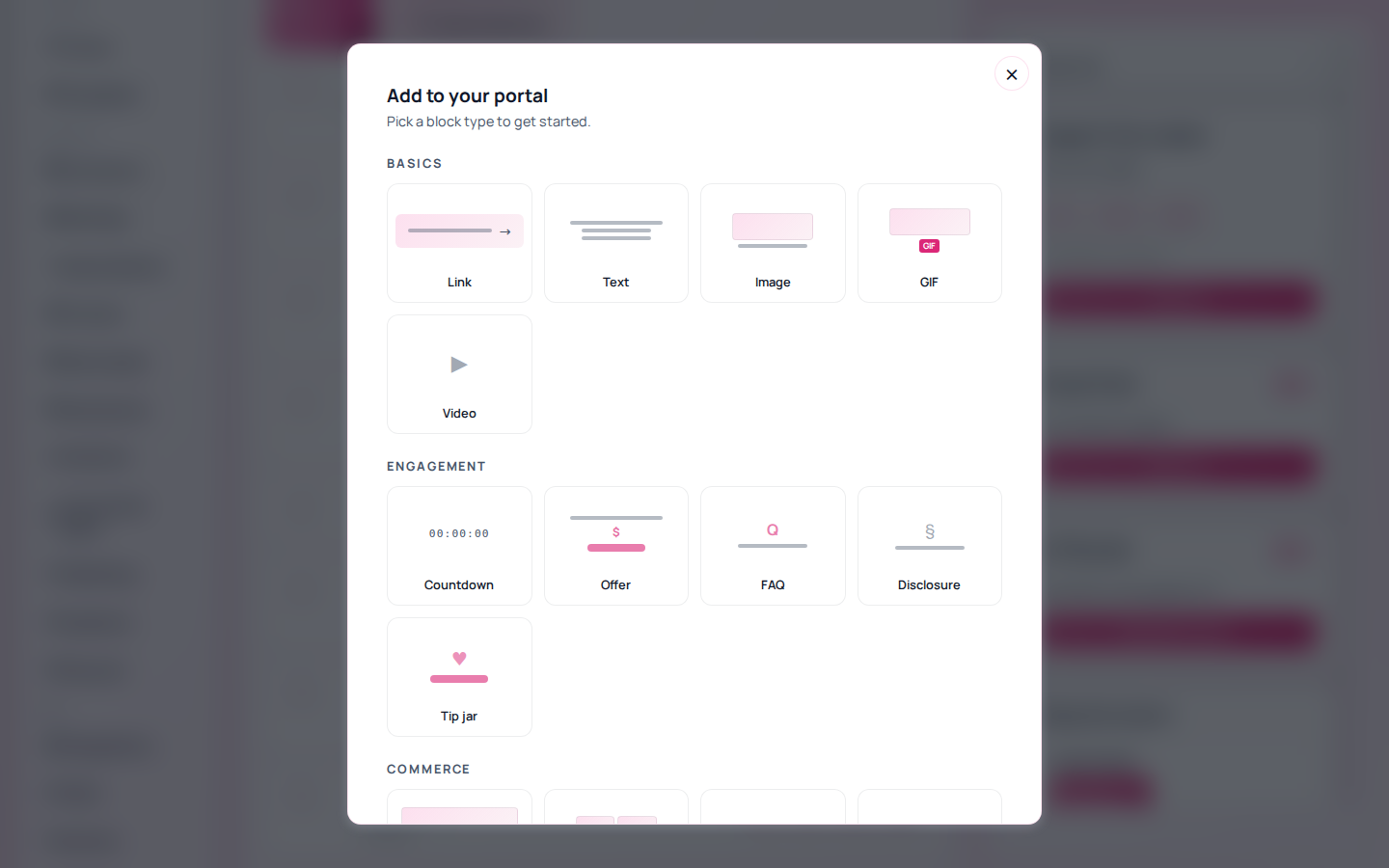
| Group | Blocks | Use it when |
|---|---|---|
| Basics | Link, Text, Image, GIF, Video | You are building the spine of the page |
| Engagement | Countdown, Offer, FAQ, Disclosure, Tip jar | You want a reason to act now, or a required disclosure |
| Commerce | Product, Storefront, Booking, Services, Subscription | Money changes hands on the page |
| Media | Music smart link, Podcast, RSS, Custom embed | The content lives on another platform |
| Social | Social icons, Messenger buttons, Footer | You are sending people onward |
Three worth turning on early
Tip jar. The fastest thing on the page to switch on, and it works on Free. Preset amounts plus a free-entry field.
Countdown. Keeps a button locked until a set time and unlocks it on its own, so a drop happens whether or not you are awake for it.
FAQ. Answers the objection that is quietly costing you clicks, without adding another page for someone to leave through.
The first block gets far more clicks than the fourth. Reordering is a bigger lever than adding.
Three layouts, and collections
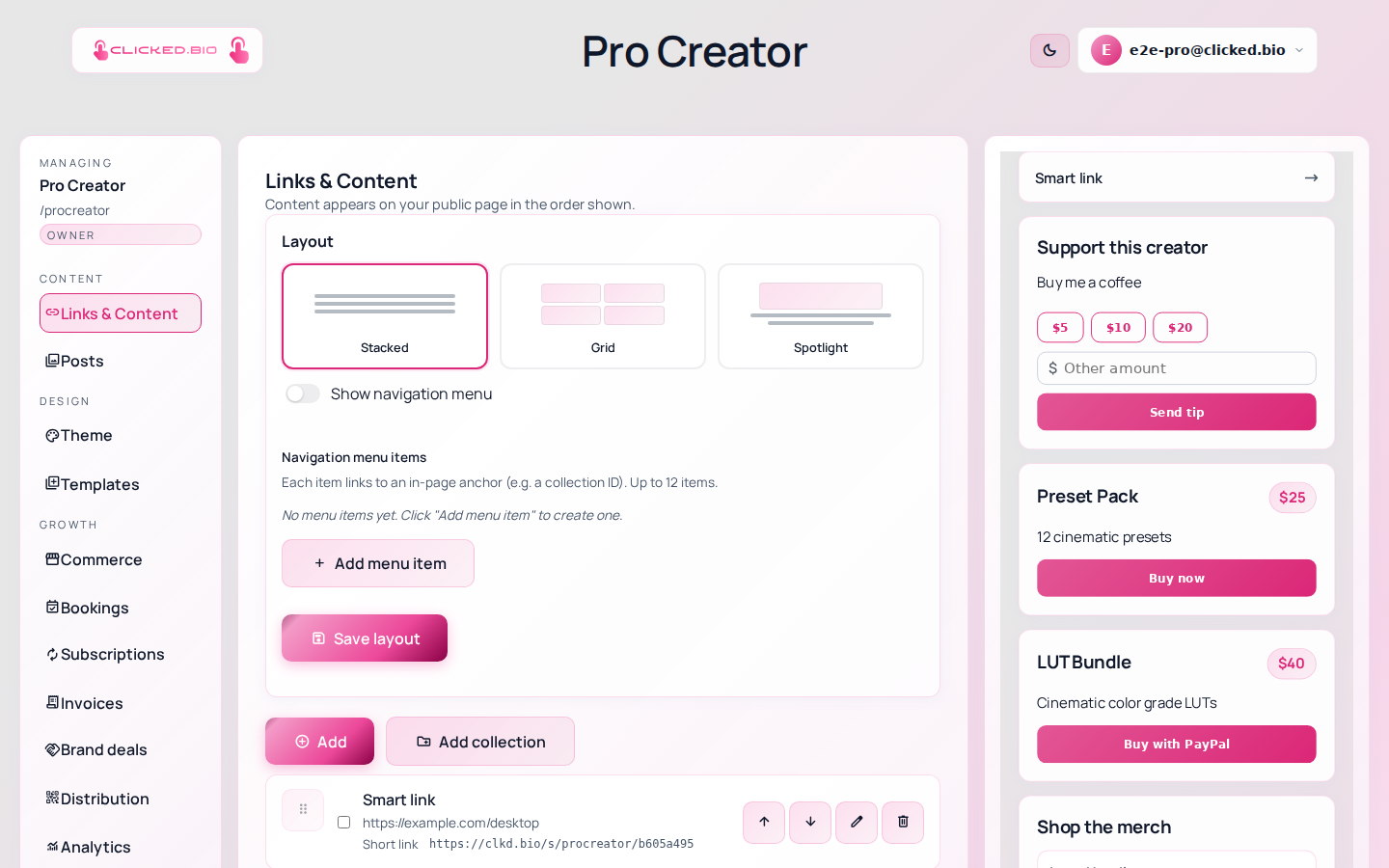
- Stacked — full width, easiest to read on a phone
- Grid — two per row, more above the fold
- Spotlight — one block given prominence
- Collections — group blocks under a heading
- Navigation menu — up to 12 jump links on long pages
- Unlimited blocks — on every plan
Layouts and collections goes into when each one is worth using.
All 20 block types and unlimited links are on every plan, including Free. Products are the thing that is capped. See pricing.
Common questions
Is there a limit on how many blocks I can add?
No. Blocks and links are unlimited on every plan. The caps are on products, contacts, email sends and storage.
Can I embed something that is not on the list?
The custom block embeds from an allow-list of hosts — Substack, Notion, Gumroad, YouTube, Spotify, Calendly and others — in a sandboxed iframe. Arbitrary third-party scripts are not allowed, because one bad embed on one page would be a problem for every visitor.
Do blocks work if someone has JavaScript off?
The page is server-rendered, so the content and the links are all there. Interactive blocks like the tip amount picker need JavaScript.