
Per-post links
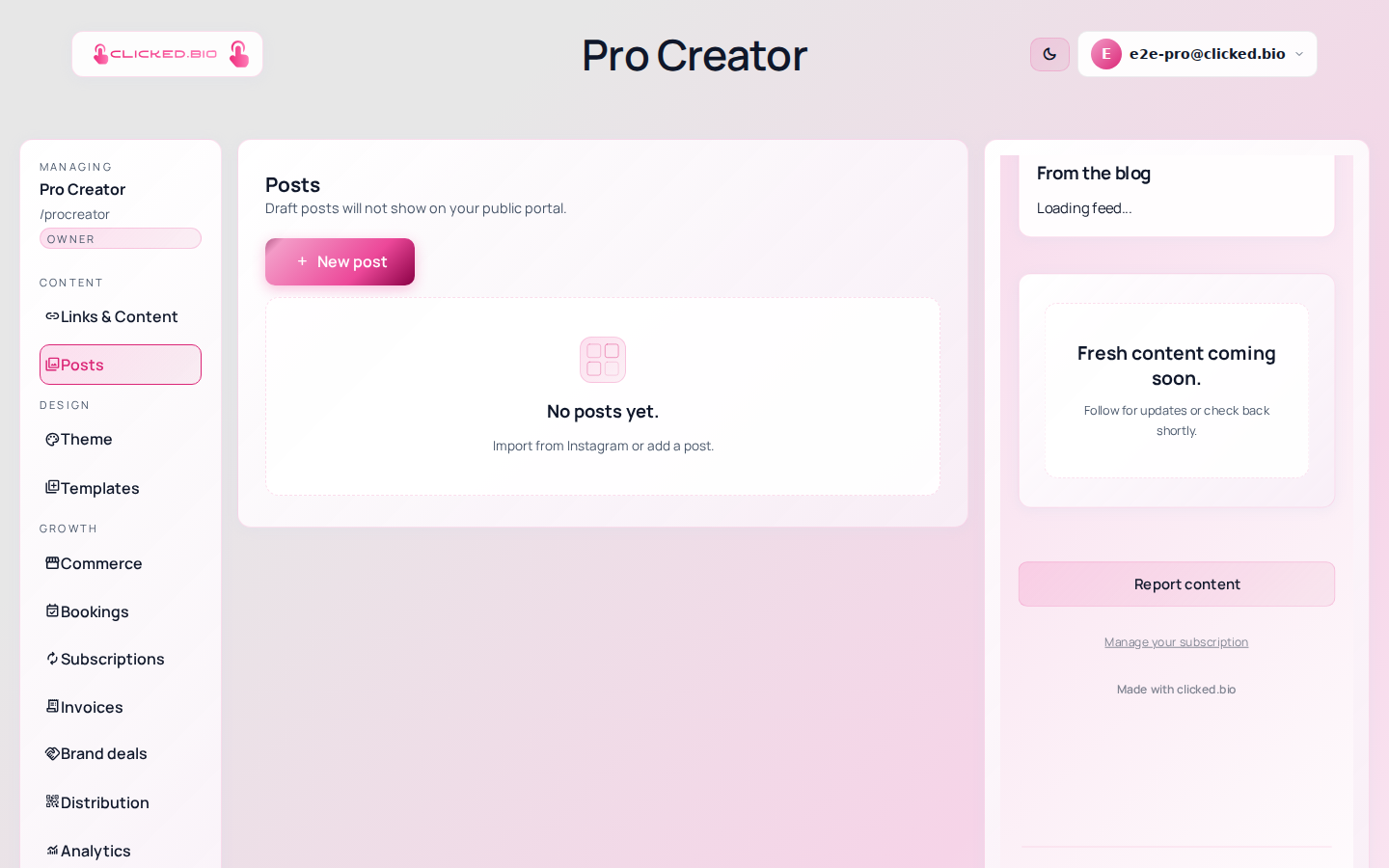
A different link on every post
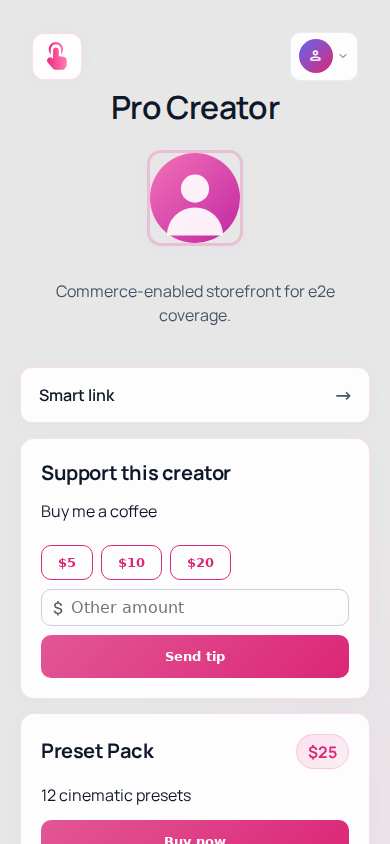
Instagram allows one link in your bio. Your Tuesday post and your Friday post are about different things, and both of them point at the same list. Per-post links end that: your feed appears on your page, and each post carries its own destination.
Free plan. No card.
The problem with one link
A link list works while you have three links. It stops working the day you post daily, because the follower has to remember which of your eleven links matches the post they just watched. Most of them do not bother.
What they do remember is the picture. Give them the picture and the link together and the guessing disappears — they tap the post they came for and land on the thing it was about.
How it works
-
Connect Instagram
One approval screen. Your account needs to be Business or Creator, which is free to switch to.
-
Import your posts
They arrive as drafts, so nothing goes public until you choose it.
-
Set a destination
Paste a URL and write the button text. "Shop the jacket" beats "Learn more".
-
Publish
The post joins your page. Anything without its own link falls back to a default you set once.
Every post also gets its own address
Published posts live at their own URL, in the form clicked.bio/yourname/posts/…. That is what you put in a Story: it opens the single post you are talking about instead of dropping someone at the top of your page to scroll.
Those URLs are in your sitemap too, so the posts are indexable rather than trapped inside an app.
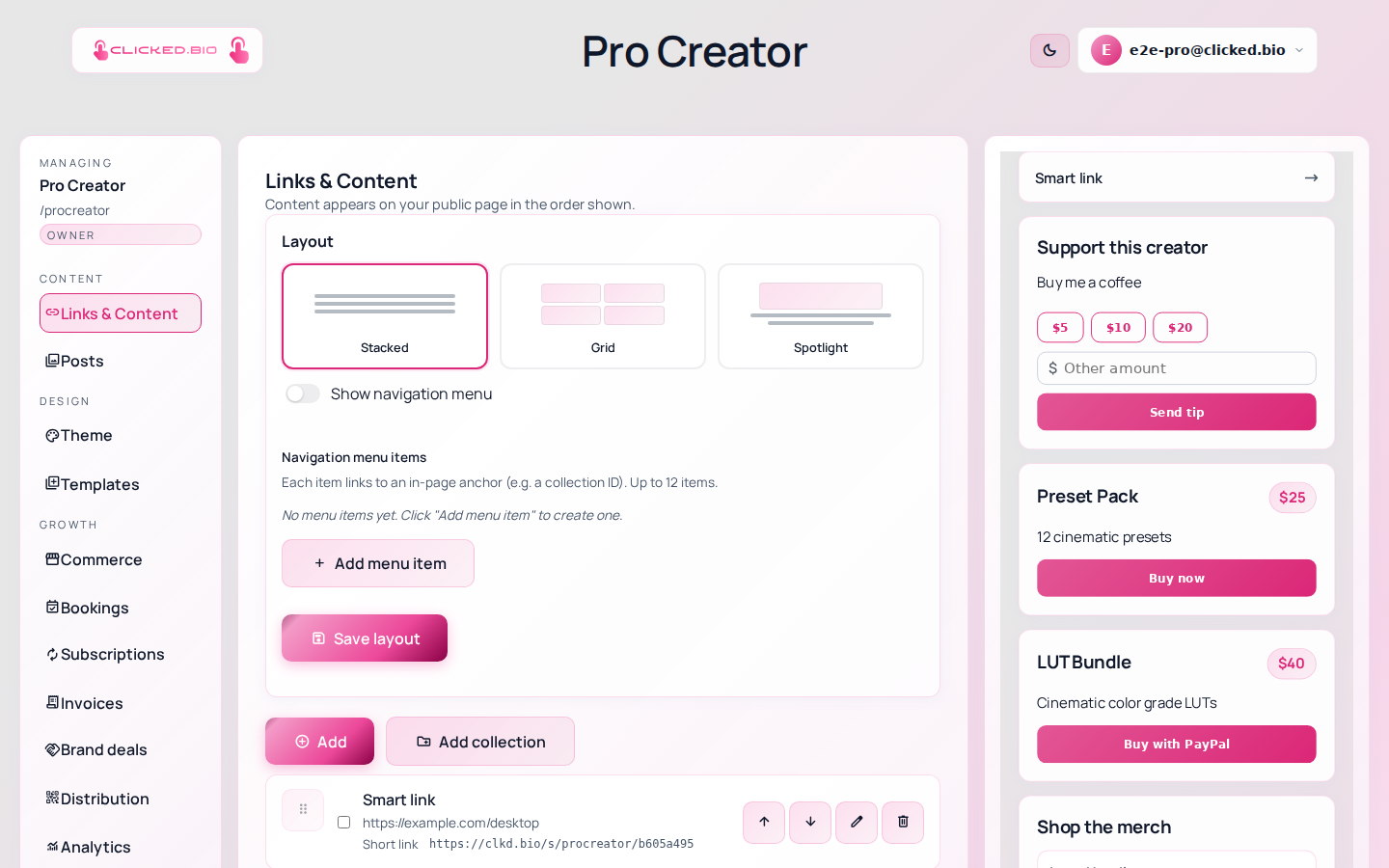
The link that gets clicked is the one attached to the thing someone already decided they wanted.
What you can point a post at
- An affiliate link, with the tag preserved
- A product you sell on the same page
- A newsletter signup
- A booking form
- A YouTube video or a podcast episode
- Anywhere else, with UTM tags attached
You find out which posts actually earned
Because each post is a separate destination, your analytics stop being one undifferentiated pile of clicks. You see which post drove traffic, which drove sales, and which one you were sure about that nobody touched. Analytics covers what gets measured.
Included on every plan, including Free. See pricing.
Common questions
Do I need a Business account on Instagram?
Business or Creator — either works. Personal accounts cannot connect to any third-party tool, which is Instagram's rule rather than ours. Switching is free and does not change how your profile looks.
Do new posts appear automatically?
No. Importing is a button you press, not a background sync. That is deliberate: you decide which posts belong on your page instead of having your whole feed mirrored.
What happens to a post with no link?
It uses the default link and default button text you set in Settings, so no post is a dead end.
Will this get my Instagram account flagged?
No. clicked.bio connects through Instagram's official API with permissions you grant, and your bio holds one ordinary link. Nothing here automates activity on your account.
Can I do this without Instagram?
Yes. You can write posts by hand and give each one a link, which is what people do for TikTok or YouTube content. The help article walks through both.